4K Sports Streaming: Which Services Deliver It

4K sports streaming is the feature every service advertises and the one most likely to disappoint, because the badge on the tier does not guarantee that a given fixture is produced, encoded and delivered at that resolution. Football is the hardest case for a broadcaster: a wide shot with twenty-two moving figures and a crowd behind them breaks a low bitrate faster than any studio production.
Knowing what to look for separates a genuine upgrade from an upscaled high-definition feed with a better marketing department.
Sports streaming quality: what 4k means on a stream
Resolution is only the first number. A true 4K feed carries four times the pixels of high definition, but the perceptible difference depends on the bitrate allocated to each frame, the frame rate, and whether the source was captured in that resolution or scaled up afterwards.
A well-encoded 1080p feed at a high bitrate will beat a starved 4K feed on a moving wide shot every time, which is why the specification on a tier page tells you less than a ten-minute look at an actual match.
High bitrate sports streaming and the numbers behind a picture
Bitrate is the volume of data the encoder spends on each second of video, and motion is what consumes it. A static studio shot can look pristine at a low bitrate; a panning wide shot of a pitch will show obvious blockiness and smearing if the encoder runs out of budget.
Broadcasters respond by allocating more data to the camera that matters, which is why some 4K football feeds switch between a native high bitrate stream and a lower one depending on the shot. The switch can be visible as a momentary softening right after a cut.
Hdmi, bitrate and the limits of the chain
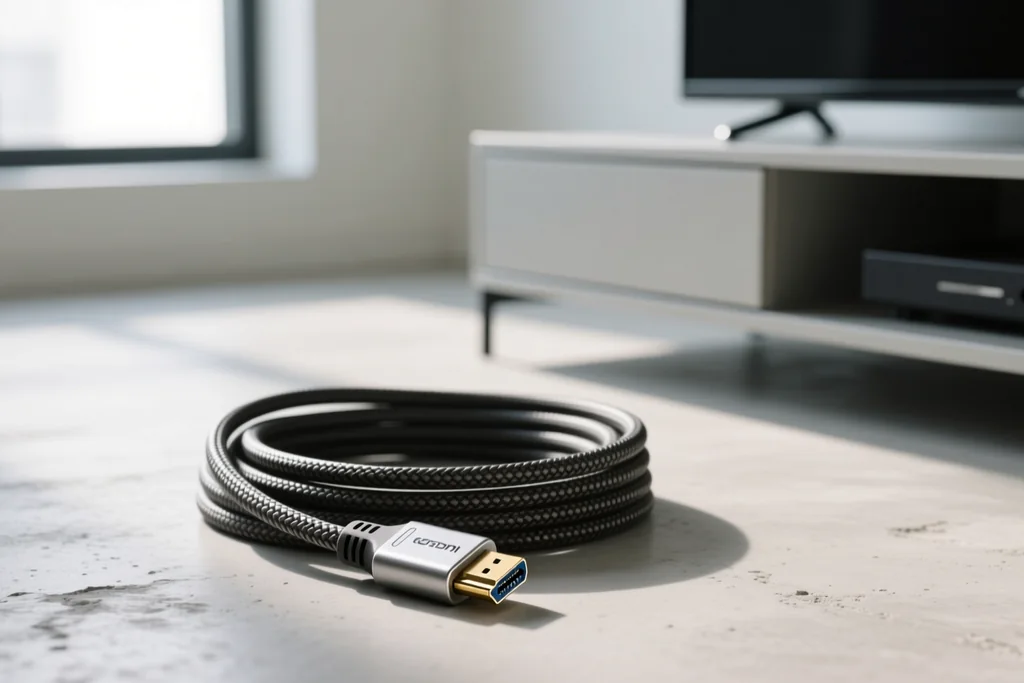
An hdmi cable that cannot carry the required bandwidth will make the device negotiate down to a lower resolution before the signal reaches the panel. The cable supplied with a device is usually adequate, and the cheap long ones bought online frequently are not.
Bitrate is the number to watch on a football feed, because motion consumes it. A panning wide shot of a floodlit pitch at a low bitrate shows blockiness around the players, while the same shot at a high bitrate stays clean even on a large screen.
The last limit is the panel. Many sets accept a 2160p signal and display it with motion processing that softens the picture during fast movement, which is why a smaller screen with better motion handling can look sharper than a larger one with more pixels.
What the higher tiers actually deliver
| Tier | Typical resolution | Notes on a football feed |
|---|---|---|
| Entry tier | 720p or 1080p | Fine on a small screen, soft on a large one |
| Standard tier | 1080p | The practical default for most fixtures |
| Premium sports tier | 1080p with HDR | Better colour and highlights, same detail |
| 4K add-on | 2160p on selected events | Depends on the production, not the subscription |
| Upscaled feed | 2160p output | Scaled from a lower source, no extra detail |
HDR, frame rate and the motion question
High dynamic range changes the contrast between the floodlit pitch and the shadowed stands, which is a genuine improvement on a night match. Frame rate matters more for football: a feed delivered at fifty or sixty frames per second is visibly smoother than one at thirty, and the difference shows in the ball's flight.
- Check for a frame rate rather than a resolution badge.
- HDR improves a night match more than a sunny afternoon one.
- The screen's motion handling can matter more than the panel's resolution.
- A 4K stream needs roughly three times the bandwidth of high definition.
- Data caps on a home connection are the hidden cost of a 4K habit.
The hardware chain from camera to screen
The chain runs from the camera at the stadium to the panel in the living room, and a limit anywhere in it caps the result. An older streaming stick will not decode a high bitrate 2160p feed, a cable rated below the required bandwidth will force the player to negotiate down, and an older television set will accept the signal and display less than half of it.
Start the diagnosis from the panel and the box rather than the subscription. Anyone deciding what to buy should read the device comparison first, then the bandwidth checklist to confirm the connection can carry it. The delay guide explains the trade-off: a low latency mode usually means a lower bitrate.
What has to line up for a 4k feed
A 4k stream needs four things at once: a broadcast produced in that resolution, a subscription tier that carries it, a device that decodes it, and a connection that sustains the bitrate. Any one of them missing and the app quietly falls back to a lower format, often without saying so.
The production side is the limit that viewers miss. Only a share of fixtures are shot and delivered in 4k in any market, and the marquee matches get it first. A tier that promises 4k on paper delivers it for the games a household most wants and not for the rest.
Hdr is a separate flag rather than part of the resolution count. A set that accepts 4k without hdr support will show the picture and none of the extra brightness range, which some viewers prefer and others notice as a flatter image.
Data is the last constraint. A 4k stream consumes several times the data of a standard one, and a household on a capped plan can burn through a month's allowance in a few weekends of heavy watching. Checking the cap before upgrading the tier is the sensible order.