Live Sports Streaming Delay: Why Your Feed Lags
Live sports streaming delay is the price of watching football on the internet, and it is measured in tens of seconds rather than milliseconds. A legal stream can sit half a minute behind a cable box and a full minute behind a radio commentary, which turns a goal celebration into a strange echo across a house with two devices.
The delay is not sloppiness. It is a chain of buffering stages that exist to keep the picture stable, and each stage in that chain adds time.
Live sports streaming delay: where the gap is created
A live feed is captured, encoded into short segments, pushed to distribution servers and then downloaded by a player that holds two or three segments in reserve before it starts displaying anything. Each of those steps buys reliability and costs time.
The reserve is the largest single contributor. A player holding three four-second segments is deliberately running twelve seconds behind the source before any network distance is added, and that buffer is what stops a momentary drop in throughput from appearing as a frozen frame.
Streaming delay sports against cable and over-the-air
Terrestrial broadcast is effectively immediate, with a delay measured in less than two seconds for the encode and transmission. Cable adds a few seconds for its own digital chain. Satellite sits between the two, and streaming occupies a band of its own, well behind everything else.
The practical consequence is worth stating plainly: a radio commentary will always be ahead of a stream, a betting app's notification will always arrive first, and a neighbour with an antenna will always shout before the picture changes.

Antenna broadcast, buffer size and the low latency mode
An antenna broadcast remains the fastest legal route to a match, because it skips the distribution tier entirely. Where a fixture airs on a local affiliate, a cheap indoor aerial will beat every streaming service by a wide margin, and it costs nothing to run.
Buffer size is the dial the platform controls. A larger reserve means a more resilient picture and a longer delay; a smaller one means a quicker picture and more sensitivity to a congested connection, which is exactly what a low latency mode trades.
The cable feed sits between the two. A digital cable chain adds a few seconds for regional processing, and a satellite feed adds a few more for the uplink and downlink, so a household with several routes can measure the difference in a single evening.
Why the gap varies by provider and by match
| Route | Typical delay | Why |
|---|---|---|
| Over-the-air antenna | Under two seconds | Single encode, no distribution tier |
| Cable | Five to eight seconds | Regional head-end processing |
| Satellite | Six to ten seconds | Uplink, downlink and re-encode |
| Streaming, standard player | Twenty to sixty seconds | Segmented encoding and a three-segment buffer |
| Streaming, low latency mode | Five to fifteen seconds | Shorter segments, smaller buffer, less resilience |
Notification spoilers and the second-screen problem
Anyone with a phone in the room is watching a faster feed than the television. Goal notifications, group chats and social timelines all arrive ahead of the stream, which is why so many viewers describe a match as spoiled rather than watched.
- Turn off push notifications for sports apps before kick-off.
- Mute the group chat for ninety minutes and read it after full time.
- Put the phone face down; the notification is the problem, not the phone.
- If you follow a live text feed, accept that it runs ahead of every stream.
- Sync a radio commentary to the picture only if the stream is the slower of the two.
How to cut the delay at home
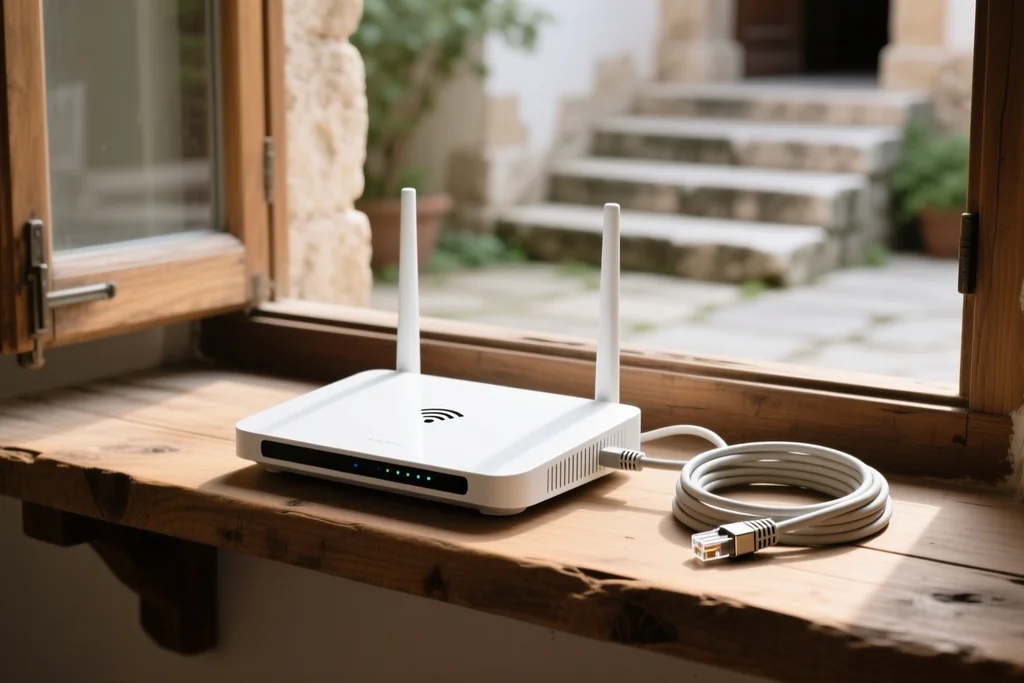
Three changes reduce the gap without harming stability much. Enable the low latency mode if the app offers one, which shortens the segments and shrinks the buffer. Watch on a device with a wired connection, since a congested wireless link forces the player to hold more in reserve. And avoid pausing: a resumed stream often re-buffers from a further point behind the source.
The floor is set by the platform rather than the viewer, so there is no configuration that brings a stream level with an antenna. Anyone who genuinely needs to be first should watch the broadcast version. For everything else, the buffering checklist covers stability, the device comparison covers the hardware that holds a stable picture, and the 4K guide explains what happens to the delay when the bitrate goes up.
Why the picture arrives after the radio
Three separate delays stack up between a camera and a screen: encoding the feed, moving it across the network, and filling the buffer on the viewer's device. Together they add anything from a few seconds to over a minute against an antenna signal, and the gap widens on a congested evening.
A low-latency mode shortens the buffer at the cost of tolerance. Where the connection is stable it is the right setting for a live match; where it is not, the mode trades a shorter delay for a picture that stalls more often, which is a poor bargain during a goal.
Notification spoilers are the practical problem rather than the delay itself. A phone that alerts on a goal before the feed reaches it turns a one-minute lag into a ruined match, and silencing sport alerts for the duration is the cheapest fix available.